nacxwan

NetworkManager: Centralised and Intelligent Control of your Nacxwan Network Infrastructure

The Nacxwan NetworkManager is a centralised cloud platform that simplifies the administration, monitoring, and security of your entire Nacxwan network infrastructure, whether multi-site or hybrid (public/private cloud). This single console allows you to manage all your client networks from one unified dashboard. With the Nacxwan NetworkManager, you can configure settings, monitor Nacxwan devices & software status in real time, enforce security policies, schedule updates, and analyse detailed statistics. The interface is designed for flexible, collaborative management: administrators can delegate access to specific features in read-only or read/write mode depending on user profiles.

Continuous communication between the devices (such as VpnRouter, VpnClient, or CyberVigilance modules) and the Nacxwan NetworkManager ensures complete configuration consistency. All configurations are managed directly through the platform, enabling secure, centralised control for both single-site and complex multi-site environments.

Centralised Orchestration & Automated Deployment

Remote configuration of all routers (physical & virtual)

  • Centralised interface for device configuration.
  • Rule and policy deployment per site, group or globally.
  • Centralised firmware and configuration updates.

Instant deployment of VpnClient

  • Automated installation of VpnClient on desktops and mobile devices.
  • Automatic assignment of user rights and profiles.
  • Multi-platform support: Windows, macOS, Linux, iOS, Android.

Zero-touch provisioning

  • Quick integration of new sites or users.
  • Automatic registration and configuration of Nacxwan devices.

Typical Use Cases

A multi-site company with offices in London, Manchester, and Birmingham, remote staff, and infrastructure hosted in Azure. The NetworkManager enables a single IT team to:

  • Manage all sites remotely.
  • Secure Vpn access.
  • Prioritise critical business traffic.
  • React swiftly to intrusion attempts or performance issues.
  • Maintain a clear, centralised view of network health.

A company with an office and fewer than 10 employees, for whom constant internet connectivity and online threats are critical concerns, can use the NetworkManager to:

  • Easily create VPN access for remote workers
  • Ensure a permanently active internet connection
  • Enable content and application filtering rules
  • Protect the office and remote workers from online threats

Unified and Centralised Network Security

Central management of security policies

  • Real-time revocation of Nacxwan devices.
  • Firewall rule creation, URL filtering, application filtering.
  • Policy enforcement by user, group, or site.
  • Real-time application of rules on all devices.

VpnClient licensing management

  • Fast allocation and revocation of user licences.
  • Monitoring of connection usage.
  • Compliance control and full traceability.

Real-Time Monitoring & Supervision

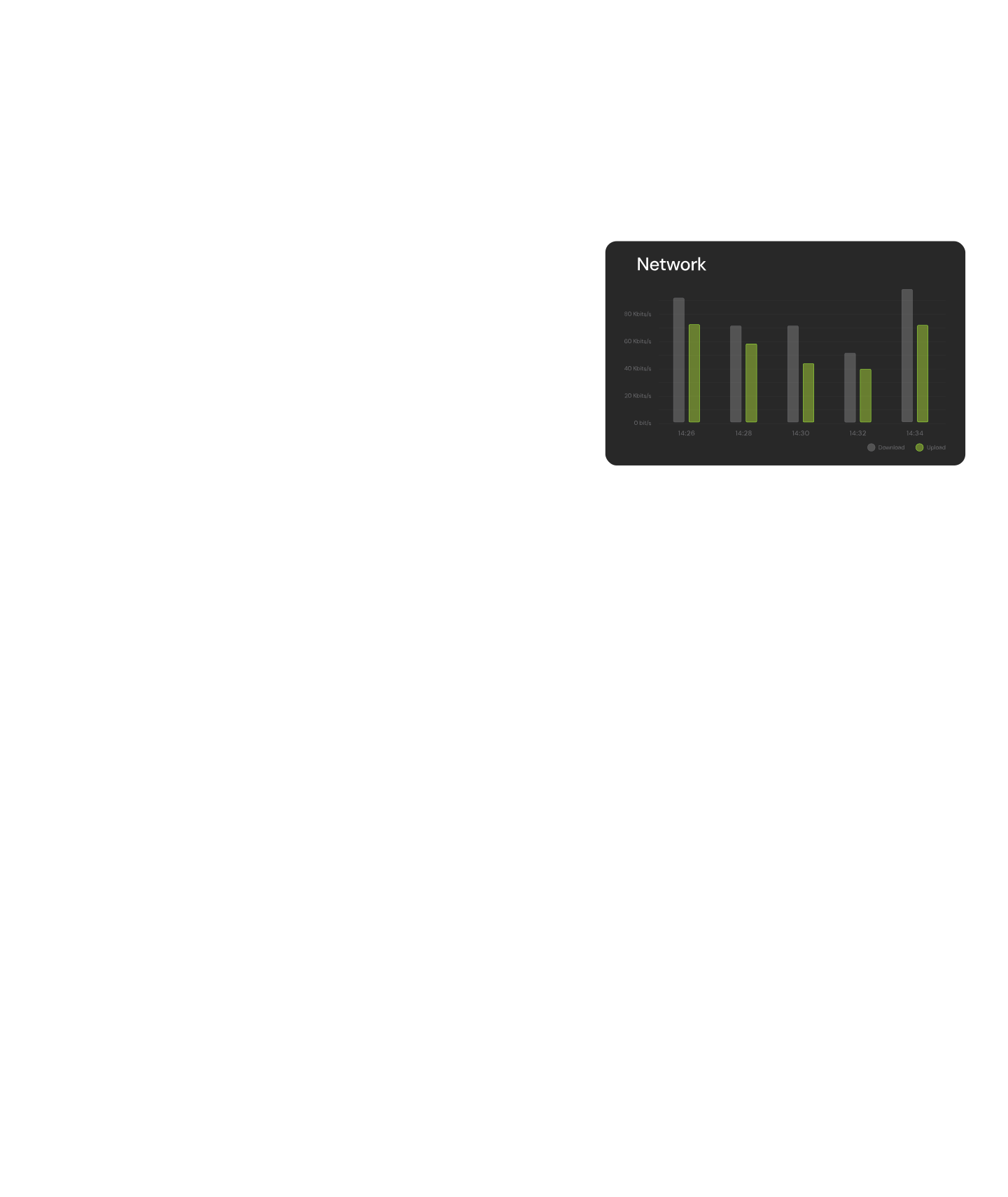
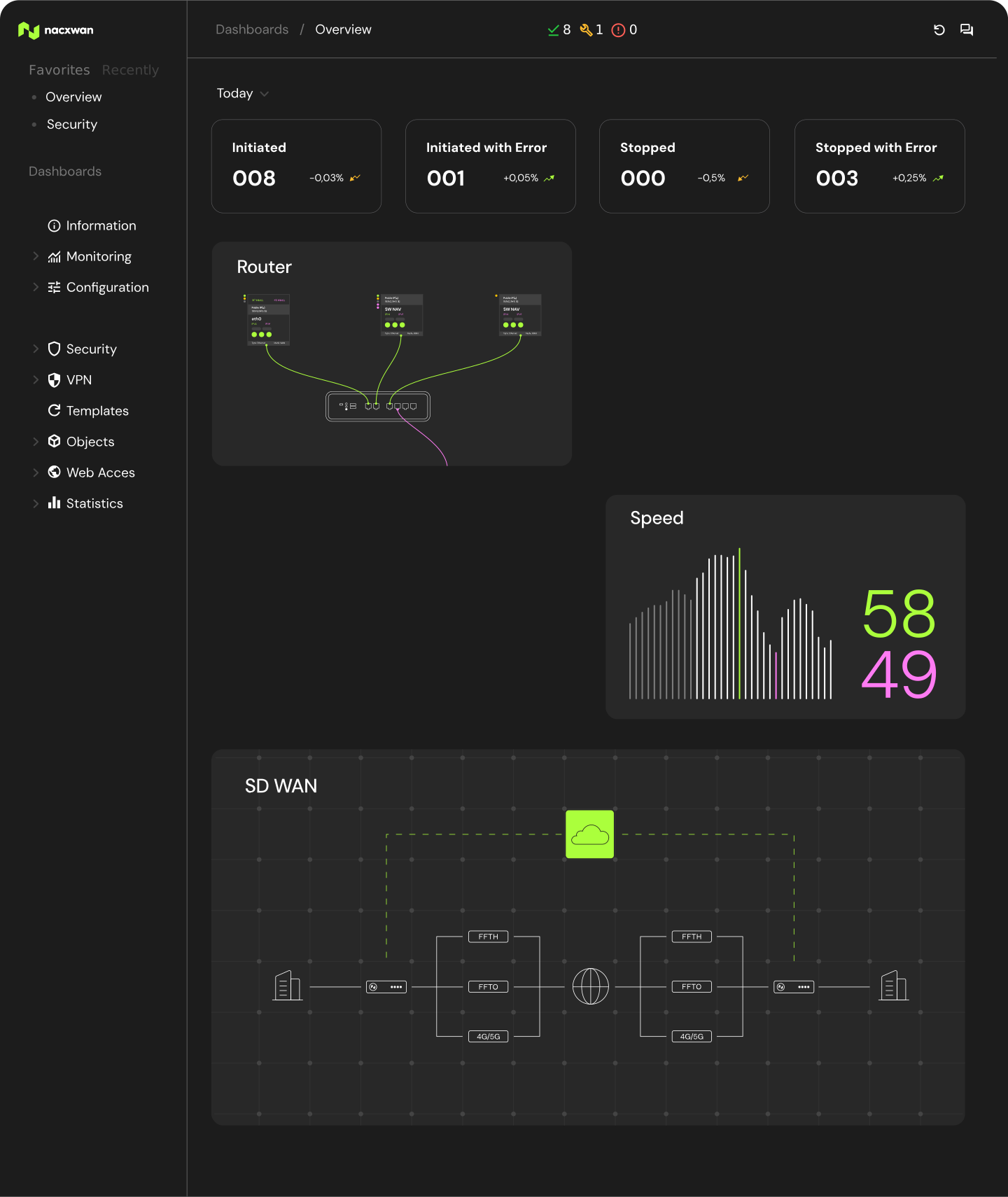
Real-time dashboards

  • Instant global view of network health (device status, active connections, alerts).
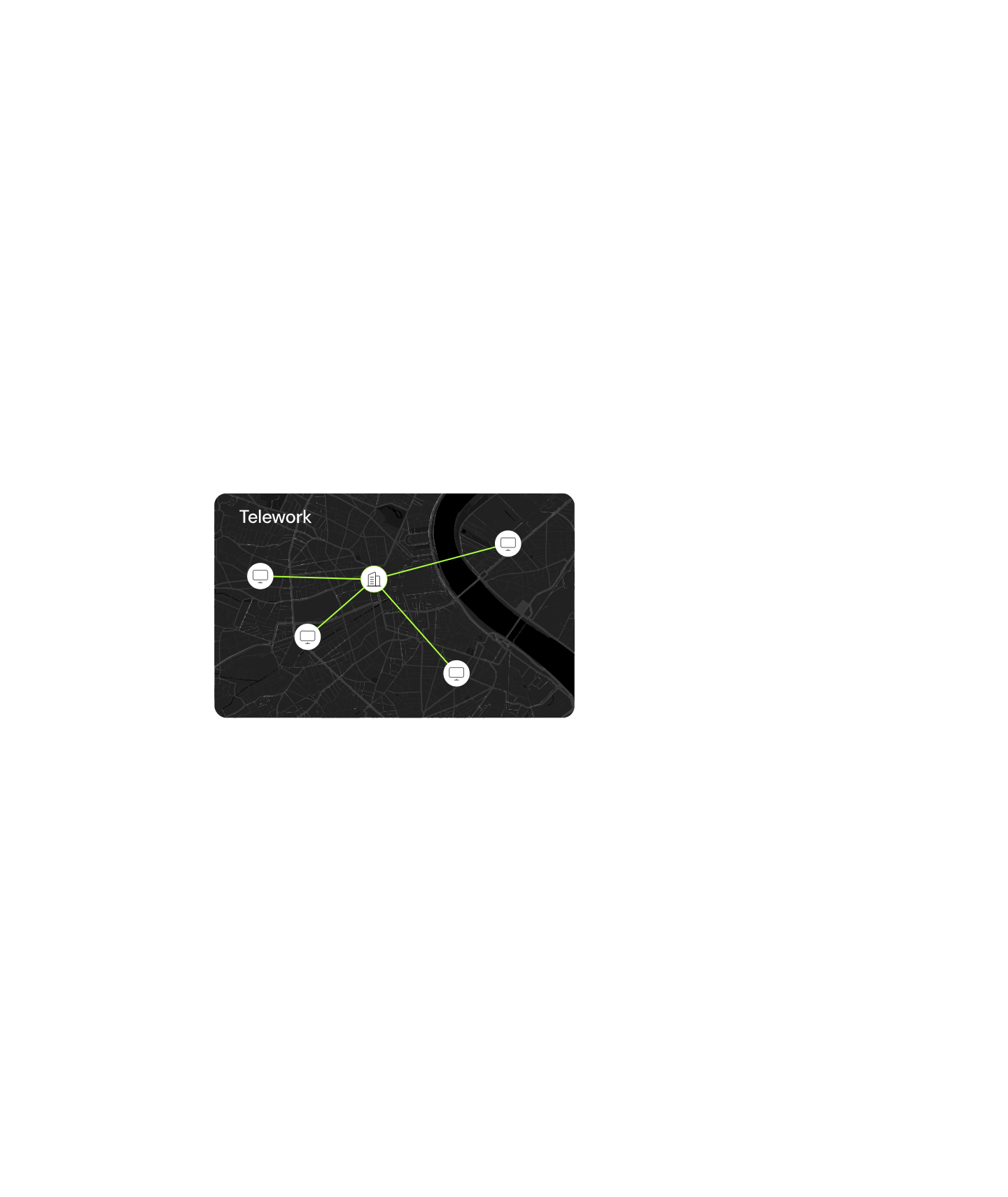
  • Dynamic site and Vpn tunnel mapping.

Intelligent alerts

  • Detection of issues (failures, suspicious activity, attacks) with email/notification alerts.
  • Custom alert profiles based on defined thresholds.

Detailed reporting

  • Generation of security, usage, and performance reports.
  • Full event history and logging.
  • Analysis tools for audit and diagnostics.

Multi-Site Management & High Availability

Multi-site administration from a single console

  • Logical grouping of devices by site.
  • Synchronized configuration deployment across sites.

High availability support

  • Monitoring of router clusters (primary/secondary).
  • Automatic failover in case of outage.
  • Planned or automated failover testing.

User Experience & Granular Access Control

Ergonomic web interface

  • Secure access via web browser (HTTPS).
  • Customisable dashboards.
  • Simplified use for administrators.

User and role management

  • Role-based account creation (admin, viewer, operator, etc.).
  • Logging of all administrative actions.

Cloud Integration & Virtualisation

Native support for cloud environments (AWS, Azure, VMware)

  • Virtual router deployment in public or private cloud.
  • Unified supervision of virtual and physical devices.
  • Synchronisation across hybrid environments.